OpenAI Crawler Guide: GPTBot & OAI-SearchBot Explained (2026)
Everything you need to know about OpenAI's web crawlers — GPTBot and OAI-SearchBot — what they do, how to allow or block them, and how to optimise your site to appear in ChatGPT answers.
By Mubashir Hussain · CrawlReady AI · Human-reviewed technical guide
Some guides may be AI-assisted and are always human-reviewed for accuracy before publish. See our Google generative AI search guide and Google's AI content guidance.
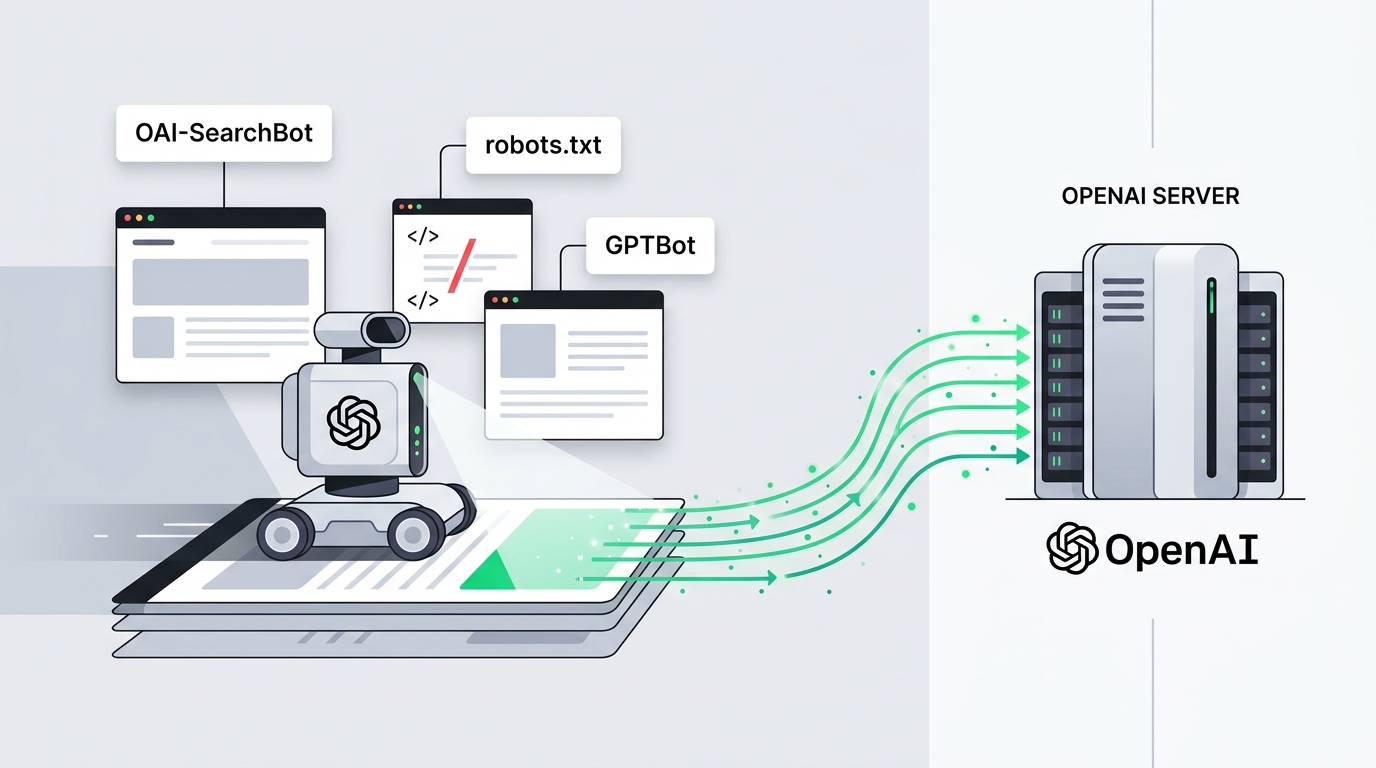
OpenAI runs two web crawlers — GPTBot and OAI-SearchBot — that determine whether your website's content can appear in ChatGPT answers and OpenAI's AI systems. This guide explains exactly what each crawler does, how to configure your robots.txt correctly, and how to optimise your content for maximum visibility in ChatGPT Search.
OpenAI's two crawlers: GPTBot vs OAI-SearchBot
Many website owners assume OpenAI has one crawler. In fact it has two, and they serve different purposes:
- GPTBot — OpenAI's general-purpose crawler. It collects content to update OpenAI's knowledge base, improve model training, and build the corpus that ChatGPT draws on when answering questions without live web access. User-agent string:
GPTBot. IP ranges published athttps://openai.com/gptbot-ranges.txt. - OAI-SearchBot — OpenAI's real-time search crawler. When a ChatGPT user asks a question that requires current web data, OAI-SearchBot fetches pages live and synthesises answers from them. User-agent string:
OAI-SearchBot. This is the crawler responsible for ChatGPT Search citations.
To be fully visible in OpenAI's ecosystem, you need to allow both. Allowing only GPTBot means your content may inform ChatGPT's general knowledge but not appear as a live cited source in ChatGPT Search results.
How to allow GPTBot and OAI-SearchBot in robots.txt
Both crawlers respect robots.txt. The correct configuration to allow full access is:
User-agent: GPTBot
Allow: /

User-agent: OAI-SearchBot
Allow: /
If your robots.txt has a User-agent: * section with a Disallow: / rule, you must add the above sections explicitly — the specific user-agent rules override the wildcard for those agents. For a copy-paste OAI-SearchBot-only snippet plus Cloudflare IP allowlisting, see how to whitelist OAI-SearchBot.
To allow OpenAI crawlers but block everything else (useful during development):
User-agent: *
Disallow: /

User-agent: GPTBot
Allow: /

User-agent: OAI-SearchBot
Allow: /
How to block OpenAI crawlers
If you want to prevent OpenAI from crawling your content — for example, to opt out of training data collection — use:
User-agent: GPTBot
Disallow: /

User-agent: OAI-SearchBot
Disallow: /
Note that blocking GPTBot prevents content from appearing in ChatGPT's knowledge base. Blocking OAI-SearchBot prevents your pages from being cited in live ChatGPT Search results. You can block one without blocking the other.
Partial access: allow some paths, block others
You can give OpenAI access to specific sections of your site while keeping others private:
User-agent: GPTBot
Allow: /blog/
Allow: /guides/
Disallow: /admin/
Disallow: /user/
Disallow: /checkout/
This is useful if you want your public content indexed but need to protect authenticated pages, pricing tables, or member-only content.
Verifying OpenAI crawler access
After updating robots.txt, confirm the crawlers can reach your site:
Check server access logs
Run this command to see recent GPTBot and OAI-SearchBot activity in your Nginx logs:
grep -E 'GPTBot|OAI-SearchBot' /var/log/nginx/access.log | tail -20If you see entries, the crawlers are active. If the log is empty, either robots.txt is blocking them or they have not yet crawled your pages.
Use CrawlReady's AI Crawler Checker
The AI Crawler Checker scans your robots.txt, checks all major AI crawler user-agents including GPTBot and OAI-SearchBot, and shows you a clear pass/fail for each one. It catches common mistakes like missing user-agent sections or conflicting Disallow rules.
How OpenAI decides what to cite in ChatGPT Search
Allowing OAI-SearchBot is the technical prerequisite, but it does not guarantee citation. ChatGPT Search applies several quality signals to decide which pages to cite:
- Relevance — Is your page the most direct answer to the user's query? Pages that open with a clear, specific answer to a question are cited more often than pages that bury the answer deep in the text.
- Freshness — ChatGPT Search favours recently updated content. Keep your
dateModifiedmeta and Article schema accurate. - Authority signals — Backlinks from credible sources, author information, and domain age all contribute to whether OpenAI's systems treat your site as a trustworthy source.
- Structured data — Article, FAQPage, and HowTo JSON-LD schema make it easier for OpenAI's systems to identify and extract key facts from your pages.
- Page speed — OAI-SearchBot fetches pages in real time. If your server responds in over 3 seconds, the crawler may time out and skip to the next source.
Content structure that gets cited by ChatGPT
Based on what consistently appears as ChatGPT Search sources, the most citable content shares these characteristics:
- Direct opening answer — The first paragraph answers the target question without preamble. "GPTBot is OpenAI's web crawler" beats "In this article we will explore what GPTBot is."
- Specific facts and figures — "GPTBot uses IP ranges published at openai.com/gptbot-ranges.txt" is more citable than "GPTBot's IP ranges are publicly available."
- Numbered or bulleted lists — Lists are easy for AI systems to extract and restructure. How-to steps, comparison tables, and checklists perform well.
- Code snippets — For technical content, actual code blocks (robots.txt rules, log grep commands) are cited verbatim and build authority.
- FAQ sections — Map directly to how users phrase questions to ChatGPT. Back them with FAQPage JSON-LD schema.
robots.txt template for all AI crawlers
If you want to allow all major AI search crawlers simultaneously, here is a complete template:
User-agent: GPTBot
Allow: /

User-agent: OAI-SearchBot
Allow: /

User-agent: PerplexityBot
Allow: /

User-agent: ClaudeBot
Allow: /

User-agent: Claude-Web
Allow: /

User-agent: Google-Extended
Allow: /

User-agent: CCBot
Allow: /
Use the AI Robots.txt Generator to build a custom version with per-crawler controls, then verify it with the AI Crawler Checker.
OpenAI crawler quick-reference
- GPTBot user-agent:
GPTBot - OAI-SearchBot user-agent:
OAI-SearchBot - IP ranges (GPTBot):
https://openai.com/gptbot-ranges.txt - robots.txt spec: Both crawlers fully respect robots.txt Disallow and Allow rules
- Crawl delay: OpenAI does not honour Crawl-delay directives — use rate limiting at the server level if needed
- Sitemap support: Both crawlers read Sitemap declarations in robots.txt
Run a free OAI-SearchBot Checker to verify your current access settings, or use the ChatGPT SEO Checker for a full readiness audit.
Frequently Asked Questions
What is OpenAI's web crawler called?
OpenAI operates two crawlers: GPTBot (user-agent string: GPTBot) and OAI-SearchBot (user-agent string: OAI-SearchBot). GPTBot is used for training data collection and general knowledge, while OAI-SearchBot is used specifically for ChatGPT's real-time search feature.
How do I allow GPTBot on my website?
Add an explicit Allow rule in your robots.txt file: User-agent: GPTBot followed by Allow: /. If you have a blanket Disallow: / rule for all crawlers, GPTBot will be blocked unless you add a specific override section for it.
What is the difference between GPTBot and OAI-SearchBot?
GPTBot collects content for OpenAI's training pipelines and general knowledge base. OAI-SearchBot powers ChatGPT's live web search feature — it fetches pages in real time when a user asks ChatGPT a question that requires current web data. You need to allow both if you want your site to appear in ChatGPT answers.
Does blocking GPTBot affect my Google rankings?
No. Blocking GPTBot has no effect on Googlebot or your Google Search rankings. They are completely separate crawlers. Blocking GPTBot only prevents OpenAI's systems from reading your content.
How do I verify that GPTBot is actually crawling my site?
Check your server access logs for the user-agent string 'GPTBot'. You can run: grep 'GPTBot' /var/log/nginx/access.log to see recent GPTBot activity. If you see no entries, either your robots.txt is blocking it or OpenAI has not yet indexed your pages.
Important disclaimer
This guide is for educational purposes only. No tool or technique guarantees search rankings, AI inclusion, or specific traffic results. Refer to official documentation from search engines and AI providers for current policies.