What Is GPTBot? Allow or Block OpenAI's Crawler
GPTBot is OpenAI's training crawler. Copy robots.txt to allow or block it, see how it differs from OAI-SearchBot, then test your live file — free.
By Mubashir Hussain · CrawlReady AI · Human-reviewed technical guide
Some guides may be AI-assisted and are always human-reviewed for accuracy before publish. See our Google generative AI search guide and Google's AI content guidance.
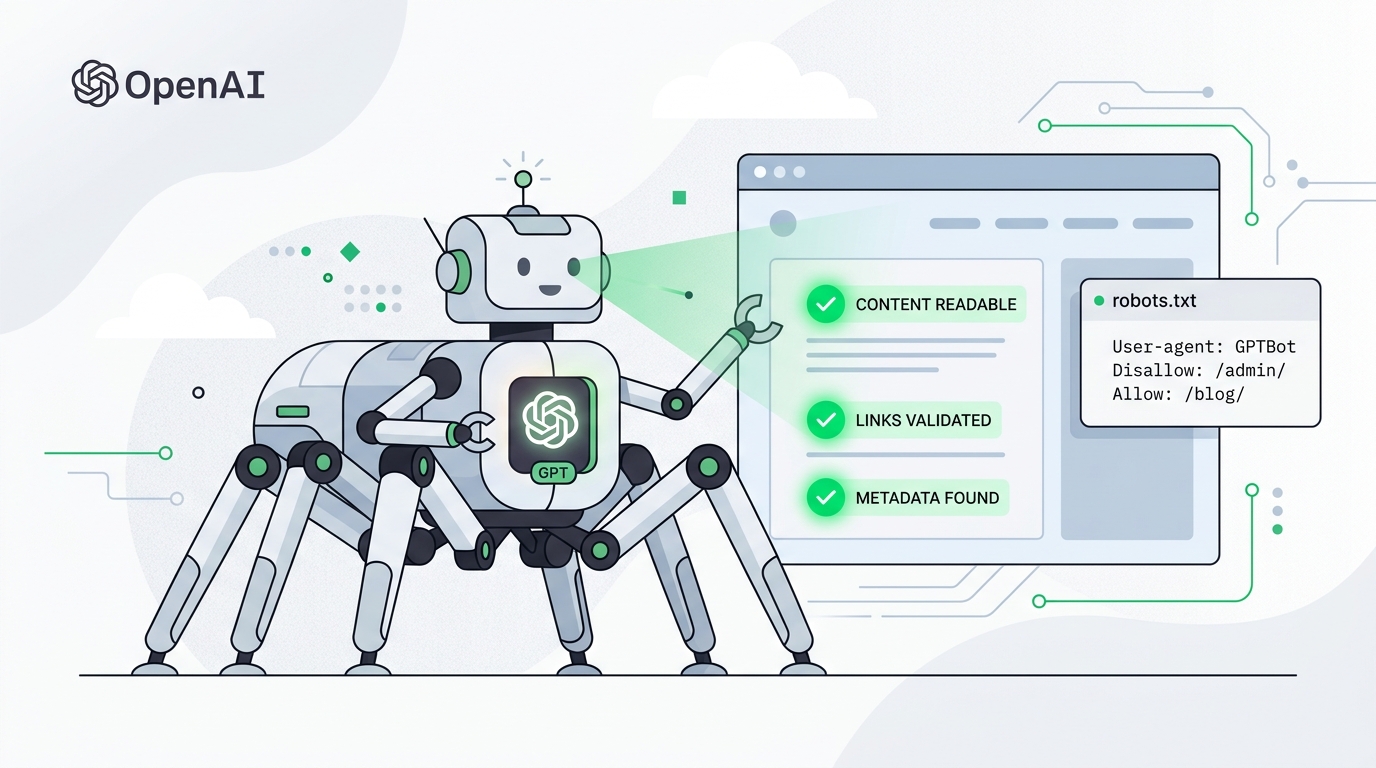
GPTBot is OpenAI's crawler token in robots.txt. It fetches public pages for OpenAI's model-related crawling. It is not the crawler that puts you in ChatGPT search results — that is OAI-SearchBot.
Paste your URL in the GPTBot Checker to see whether your live robots.txt allows, blocks, or ignores GPTBot on the homepage.
What is GPTBot?
When GPTBot requests a URL it sends a user-agent that includes GPTBot and follows the matching robots.txt group. OpenAI publishes crawler details and IP ranges in its bots documentation and gptbot.json.
If User-agent: GPTBot has Disallow: /, compliant GPTBot crawls skip your site. If there is no GPTBot group, GPTBot follows User-agent: * — including a blanket Disallow: /.
GPTBot vs OAI-SearchBot
| User-agent | What it does | Typical choice |
|---|---|---|
| GPTBot | Training / model-related crawls | Allow or block based on training policy |
| OAI-SearchBot | ChatGPT search indexing | Allow if you want ChatGPT citations |
| ChatGPT-User | A person asked ChatGPT to open a page | Allow if you want user-triggered fetches |
Blocking GPTBot does not hide you from Google, and it does not by itself stop ChatGPT search. Whitelist OAI-SearchBot separately if you want those citations.
Allow or block GPTBot in robots.txt
Publish the file at https://yourdomain.com/robots.txt.
Allow public pages (carve out private paths):
User-agent: GPTBot
Allow: /
Disallow: /admin/
Disallow: /private/

Sitemap: https://yourdomain.com/sitemap.xml
Block GPTBot on the whole site:
User-agent: GPTBot
Disallow: /
Need GPTBot blocked but ChatGPT search allowed? Keep the GPTBot Disallow block and add an OAI-SearchBot Allow group. The AI Crawler Robots.txt Generator can emit that split policy.
Firewall and CDN blocks
robots.txt is ignored if Cloudflare Bot Fight Mode, a WAF, or host firewall returns 403. Allow the ranges in openai.com/gptbot.json if you want GPTBot to fetch HTML.
Confirm GPTBot can fetch you
- Run the GPTBot Checker on your homepage.
- Confirm the URL returns HTTP 200 over HTTPS with no
noindex. - Keep important copy in server-rendered HTML — GPTBot does not execute your JavaScript app.
- Grep logs after you change robots.txt:
grep -i 'GPTBot' /var/log/nginx/access.log | tailNo hits on a new site is normal. A 403 with that user-agent means the firewall, not robots.txt, is still blocking.
What allowing GPTBot does not do
- It does not rank you in Google.
- It does not guarantee a ChatGPT citation (use OAI-SearchBot for search).
- It does not let you control how OpenAI summarises your pages.
For the rest of the AI crawler set, use the AI Crawler Checker.
Frequently Asked Questions
What is GPTBot?
GPTBot is OpenAI's robots.txt user-agent for automated crawling used in model-related pipelines. It is not OAI-SearchBot, which fetches pages for ChatGPT search citations.
Is GPTBot the same as OAI-SearchBot?
No. They are separate user-agents. You can block GPTBot to opt out of training crawls and still allow OAI-SearchBot so ChatGPT search can cite you.
What happens if I block GPTBot?
A valid User-agent: GPTBot Disallow: / rule asks OpenAI not to crawl matching paths with GPTBot. It does not block Googlebot, Bingbot, or OAI-SearchBot, and it does not remove you from Google Search.
Should I allow or block GPTBot?
Allow GPTBot if you want your public HTML in OpenAI's training-related crawls. Block it if you prefer to opt out. ChatGPT search citations depend on OAI-SearchBot, not GPTBot.
How do I check if GPTBot is blocked?
Paste your URL into the free GPTBot Checker. It parses live robots.txt and shows whether GPTBot is allowed, blocked, or inheriting a User-agent: * rule.
Important disclaimer
This guide is for educational purposes only. No tool or technique guarantees search rankings, AI inclusion, or specific traffic results. Refer to official documentation from search engines and AI providers for current policies.