What is llms.txt? The Complete Guide for 2026
Learn what llms.txt is, how it works, why your website needs one, and how to create an llms.txt file that helps AI systems understand and cite your content.
By Mubashir Hussain · CrawlReady AI · Human-reviewed technical guide
Some guides may be AI-assisted and are always human-reviewed for accuracy before publish. See our Google generative AI search guide and Google's AI content guidance.
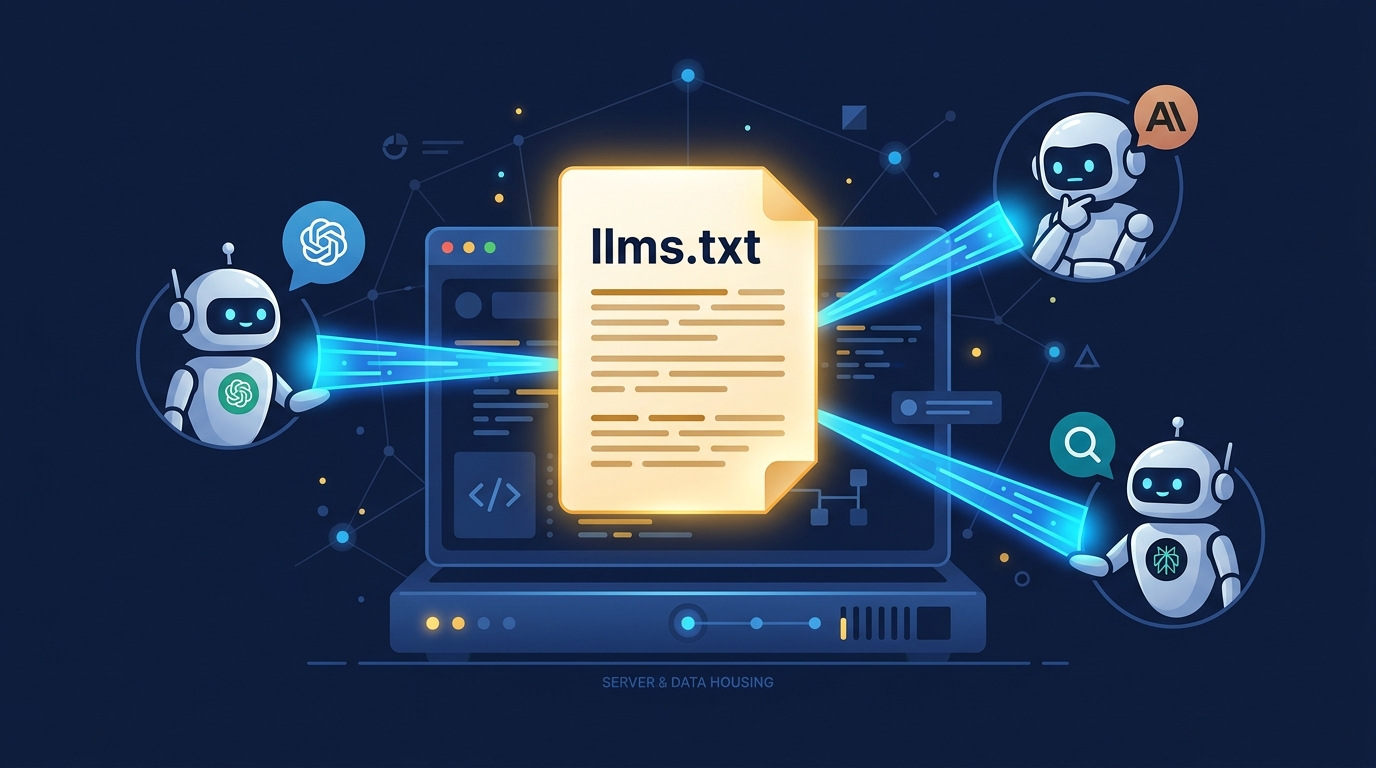
A new file is appearing on thousands of websites in 2026 — llms.txt. It sits quietly at your domain root, but it plays an important role in how AI systems like ChatGPT, Perplexity, and Claude understand your website. This guide explains what llms.txt is, why it was created, how it works, and how to create one for your site.
What is llms.txt?
llms.txt is a plain-text Markdown file placed at the root of your website at yourdomain.com/llms.txt. It provides AI language models and crawlers with a curated, structured summary of your website — what it does, who it is for, and which pages contain the most useful information.
Think of it as a table of contents written specifically for AI systems. Where a human visitor might read your homepage to understand what you do, an AI crawler reads your llms.txt to get the same understanding in a format it can process reliably.
Why was llms.txt created?
The proposal was put forward in September 2024 by Jeremy Howard, the co-founder of fast.ai and one of the authors of the ULMFiT paper that influenced modern language model fine-tuning. The motivation was straightforward: AI systems were increasingly reading and citing web content, but had no reliable way to understand the structure and priority of that content without crawling every page individually.
Existing tools were not designed for this use case:
- robots.txt — controls access, not content understanding
- sitemap.xml — lists URLs but carries no content or priority signals beyond
<priority>(which search engines largely ignore) - meta description — per-page only, not site-wide
- structured data / JSON-LD — powerful but complex, and not designed as a site-wide overview
llms.txt fills the gap: a lightweight, human-readable, AI-friendly file that gives AI systems exactly the site-level context they need.
What does llms.txt look like?
The format is simple Markdown. A minimal llms.txt has three parts: a site description, an optional notes section, and a list of important URLs with descriptions.
# CrawlReady AI

> Free AI crawler checker and SEO audit tool. Check if GPTBot, PerplexityBot,
> ClaudeBot, and other AI crawlers can access your website. Get your CrawlReady Score.

## Tools

- [AI Crawler Checker](/ai-crawler-checker): Check which AI crawlers can access your site
- [LLMs.txt Generator](/llms-txt-generator): Generate an llms.txt file for your website
- [Schema Checker](/schema-checker): Validate JSON-LD structured data

## Guides

- [AI Search Optimization Guide](/blog/ai-search-optimization): Complete guide to optimising for ChatGPT, Perplexity, and Google AI Overviews
- [GPTBot Optimization Guide](/blog/gptbot-optimization-guide): How to allow and optimise for OpenAI's GPTBot crawler
The H1 heading is your site name. The blockquote is your site description. H2 sections group your content by type, and each bullet point is a URL with a short description.
llms.txt vs robots.txt — what is the difference?
These two files serve completely different purposes and you need both:
- robots.txt — an access control file. It tells crawlers which URLs they are allowed or not allowed to fetch. Without the right entries in robots.txt, AI crawlers will not visit your pages at all.
- llms.txt — a content description file. It tells AI systems what your site contains and which pages are most valuable. It does not block or allow anything — it guides.
A useful analogy: robots.txt is the bouncer at the door, llms.txt is the welcome pack you hand to guests once they are inside.
What is llms-full.txt?
The llms.txt proposal includes an optional companion file: llms-full.txt. Where llms.txt links to your key pages, llms-full.txt contains the actual full text of those pages — concatenated into a single file. This allows AI systems to read all your content in one request without crawling dozens of individual URLs.
llms-full.txt is most useful when:
- Your content is behind a login or paywall that crawlers cannot access
- Your pages rely heavily on JavaScript rendering
- You want to control exactly which content AI systems read
For most websites, llms.txt alone is sufficient. Start with llms.txt and add llms-full.txt later if you have content accessibility issues.
Which AI systems support llms.txt?
Support is growing rapidly. As of mid-2026:
- Perplexity AI — actively reads llms.txt when crawling sites
- Anthropic (Claude) — recognises the format and uses it when available
- OpenAI — no official confirmation but ClaudeBot and OAI-SearchBot fetch the file on crawls
- AI coding tools — many use llms.txt to understand documentation sites
The broader adoption signal is the number of major websites that have already published llms.txt files — including Stripe, Cloudflare, Vercel, Supabase, and hundreds of SaaS and documentation sites.
How to create an llms.txt file
Option 1: Use a generator (fastest)
Use the CrawlReady LLMs.txt Generator — enter your URL and it scans your sitemap, reads your key pages, and generates a properly formatted llms.txt in seconds. Free, no signup required.
Option 2: Write it manually
Create a file called llms.txt at your server or project root. Follow this structure:
- H1 with your site or company name
- Blockquote with a 1–3 sentence description of what your site does and who it is for
- H2 sections grouping your most important pages by topic (Tools, Guides, Products, Documentation, etc.)
- Bullet points with relative or absolute URLs and a short description of each page
Keep descriptions factual and specific. "Free AI crawler checker that tests GPTBot, PerplexityBot, and ClaudeBot access" is more useful to an AI than "Our amazing tool for checking things."
Option 3: Auto-generate on your server
For larger sites with frequently changing content, generate llms.txt dynamically from your CMS or database. Serve it at /llms.txt with Content-Type: text/plain. Regenerate whenever content changes significantly — daily is sufficient for most sites.
Where to place llms.txt
Always at the root of your domain: https://yourdomain.com/llms.txt. Subdirectory placement (/blog/llms.txt) is not recognised. If your site has multiple subdomains with distinct content, each should have its own llms.txt.
llms.txt best practices
- Keep the site description in the blockquote to 2–3 sentences maximum
- Prioritise your most useful pages — do not list every URL, just the ones most relevant to an AI helping a user
- Write descriptions for an AI audience, not for humans — be specific, factual, and avoid marketing language
- Keep the file under 100KB; AI systems may truncate very large files
- Update it when you add major new content sections
- Validate the format with the LLMs.txt Generator or check it renders correctly as Markdown
Does llms.txt help with SEO?
llms.txt does not affect traditional Google rankings — Googlebot does not use it. Its value is specifically in AI search: Perplexity citations, ChatGPT references, Claude answers, and AI coding tool documentation lookups. As AI search accounts for a growing share of information discovery, the indirect SEO benefit — more citations, more brand mentions, more referral traffic — is becoming significant.
If you are already doing AI search optimization, llms.txt is one of the lowest-effort, highest-signal additions you can make. It takes minutes to create and signals to every AI system that your site is well-maintained and AI-ready.
Generate your llms.txt now with the free CrawlReady LLMs.txt Generator, or run an AI Search Visibility Check to see your full AI search readiness score.
Frequently Asked Questions
What is llms.txt?
llms.txt is a plain-text file placed at the root of your website (e.g. yourdomain.com/llms.txt) that tells AI language models and crawlers what your site is about, which pages are most important, and how your content is structured. It was proposed in September 2024 as an AI-readable equivalent of sitemap.xml.
Is llms.txt an official standard?
llms.txt is not yet an official W3C or IETF standard, but it has been widely adopted by thousands of websites and is recognised by Perplexity, Anthropic, and other AI companies. It follows a simple Markdown-based format proposed by Jeremy Howard (fast.ai) and is gaining support rapidly.
What is the difference between llms.txt and robots.txt?
robots.txt controls which crawlers can access which URLs — it is an access control file. llms.txt is a content description file — it does not block or allow crawlers, it guides AI systems to the most relevant content on your site. You need both: robots.txt to allow AI crawlers, llms.txt to help them understand your site.
Do I need llms-full.txt as well?
llms-full.txt is an optional extended version that contains the full text content of your key pages in a single file, allowing AI systems to read everything without crawling individual URLs. It is useful for sites with paywalled or JavaScript-heavy content. llms.txt alone is sufficient for most websites.
Does llms.txt improve my AI search rankings?
llms.txt does not directly influence rankings, but it improves the accuracy and consistency with which AI systems understand and describe your site. Sites with well-structured llms.txt files are more likely to be cited correctly and completely in AI-generated answers, which can improve referral traffic over time.
Important disclaimer
This guide is for educational purposes only. No tool or technique guarantees search rankings, AI inclusion, or specific traffic results. Refer to official documentation from search engines and AI providers for current policies.