Meta Title & Description Optimization: The Complete Guide for Google and AI Search (2026)
How to write meta titles and descriptions that rank in Google, display correctly in AI chat link previews, and avoid the duplicate-title and canonical mistakes that quietly cost indexing.
By Mubashir Hussain · CrawlReady AI · Human-reviewed technical guide
Some guides may be AI-assisted and are always human-reviewed for accuracy before publish. See our Google generative AI search guide and Google's AI content guidance.
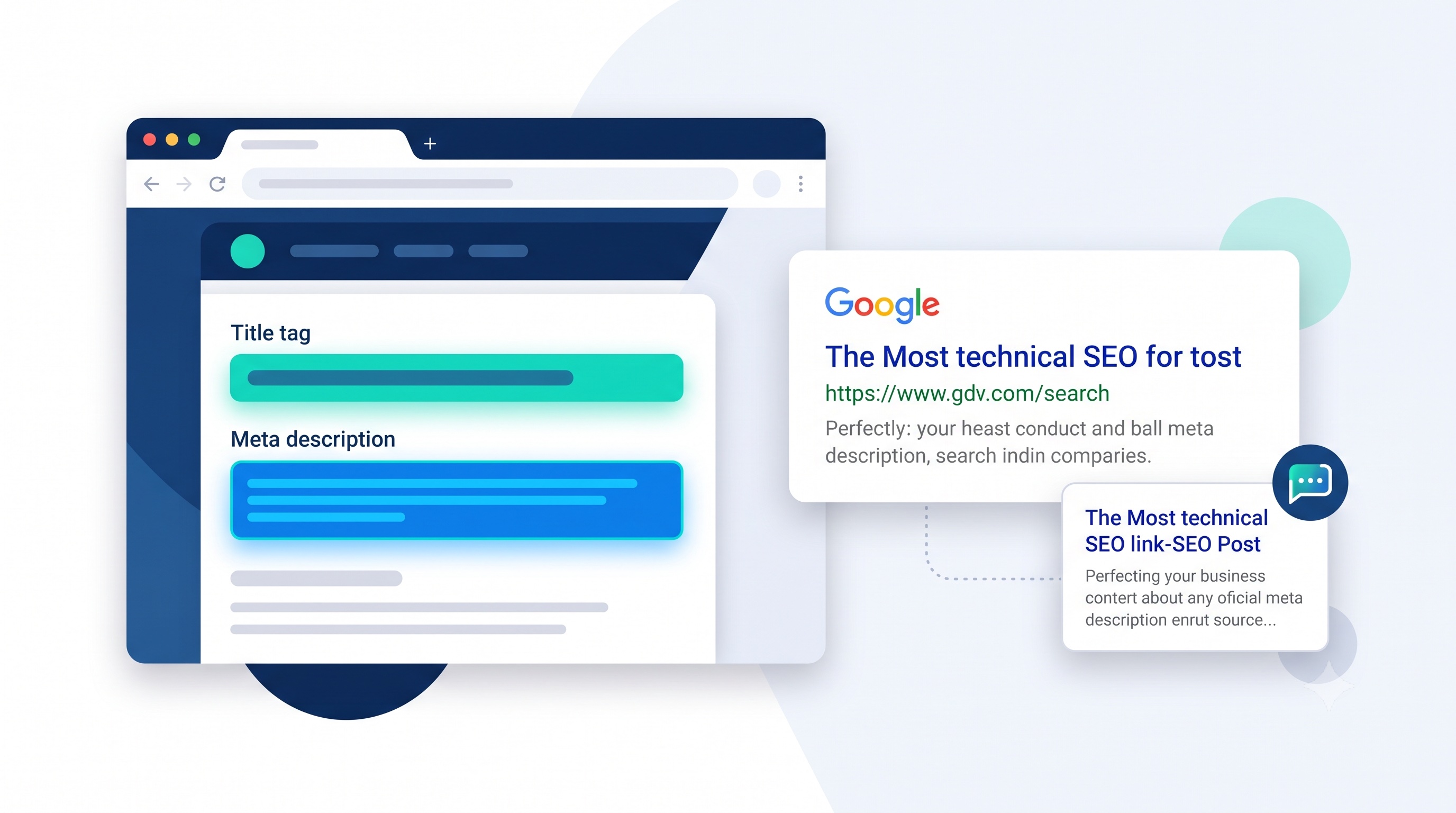
Meta titles and descriptions are the smallest pieces of on-page SEO and among the easiest to get wrong at scale. They control your Google snippet, your social share card, and — increasingly — how your page looks when ChatGPT, Perplexity, or Claude paste a link into an answer. This guide covers what to write, what to avoid, and the canonical tag mistakes that quietly undo good title work.
Why title tags still matter in an AI search era
Search engines and AI assistants both read the same head tags: <title>, <meta name="description">, and Open Graph properties. Google uses your title as a strong (though not absolute) ranking and snippet signal. AI systems that surface a link — rather than just a synthesized answer — tend to reuse your title and description verbatim in the preview card. A vague or missing title looks broken in both places at once.
Step 1: Audit your current tags
Before rewriting anything, see what is actually live. Run the Meta Title Checker on your homepage and a handful of key pages. It flags:
- Missing titles or descriptions — pages with no
<title>tag, or an emptymeta description - Length issues — titles over ~60 characters or descriptions over ~160 characters that Google will truncate
- Duplicate titles — the same title reused across multiple URLs, usually from an unedited template
- Missing Open Graph and Twitter Card tags — needed for clean link previews in social apps and AI chat interfaces
Step 2: Write titles for the query, not the brand
Lead with the specific term a person (or an AI system paraphrasing a person's question) would search for, then the brand name if there's room:
<title>Canonical Tag Checker — Free rel=canonical Validator | CrawlReady AI</title>Avoid titles that only say the brand name and a generic tagline ("CrawlReady AI — Home"). They waste the highest-value text on the page and give both Google and AI assistants nothing specific to match against a query.
Step 3: Write descriptions that earn the click
A meta description does not influence rankings directly, but it is quoted text — in Google's snippet, in social cards, and often in an AI assistant's link preview. Treat it as ad copy: state what the page does and for whom, in one or two sentences, without keyword stuffing.
<meta name="description" content="Check canonical tags on any URL. Find missing, self-referencing, or conflicting canonicals that confuse search engines.">Step 4: Add Open Graph and Twitter Card tags
Without these, some platforms fall back to scraping visible page text, which produces inconsistent or truncated previews. A minimal, correct set:
<meta property="og:title" content="Your page title">
<meta property="og:description" content="Your meta description">
<meta property="og:url" content="https://example.com/page">
<meta property="og:image" content="https://example.com/preview.jpg">
<meta name="twitter:card" content="summary_large_image">
Keep og:title and og:description identical or near-identical to your <title> and meta description — mismatched versions confuse crawlers about which text represents the page.
Step 5: Fix canonical tags before you fix titles at scale
If several URLs render the same content — with or without a trailing slash, with tracking parameters, or across HTTP and HTTPS — search engines may treat them as duplicates and pick a canonical version themselves, which is not always the page you optimized. Every important page should carry a self-referencing canonical:
<link rel="canonical" href="https://example.com/page">Run the Canonical Checker to confirm each page points to itself (or to the correct parent, for genuine duplicates) rather than to a stale or unrelated URL.
Step 6: Confirm the page is indexable at all
A perfect title on a noindex page never appears anywhere. Before investing more time in copywriting, confirm with the Indexability Checker that the page isn't blocked by a meta robots tag, an X-Robots-Tag header, or robots.txt.
Common mistakes
- Templated titles left unedited across hundreds of pages, producing mass duplicates
- Keyword-stuffed titles that get rewritten by Google's own snippet generator anyway
- Meta description missing entirely, leaving Google to auto-select a random paragraph
- Canonical tag pointing to the homepage on every page by mistake, hiding subpages from indexing
- Open Graph title or description that no longer matches an updated page title
Meta title and canonical checklist
- Title is under ~60 characters and leads with the specific topic, not just the brand
- Meta description is under ~160 characters and states what the page offers
- No duplicate titles or descriptions across distinct URLs
- Open Graph and Twitter Card tags are present and match the title/description
- Canonical tag is self-referencing on unique pages, or points to the correct parent on duplicates
- Page is confirmed indexable — no accidental noindex or robots.txt block
Run a free scan with the Meta Title Checker, then check canonical tags with the Canonical Checker to catch both issues in a couple of minutes.
Frequently Asked Questions
What is the ideal meta title length in 2026?
Keep titles under roughly 580 pixels — about 50-60 characters for most fonts. Google truncates longer titles with an ellipsis, and AI chat link previews often cut off even sooner, so put the most important words first.
Do meta descriptions affect Google rankings?
Not directly. Google does not use meta descriptions as a ranking factor, but a clear, specific description improves click-through rate, and it is frequently what AI assistants quote when showing a link preview.
Why does ChatGPT or another AI app show the wrong title for my page?
AI link previews typically read your meta title, Open Graph title, and description tags — the same ones used for social sharing. If those tags are missing, generic, or duplicated from a template, the assistant falls back to whatever it can extract from the page, which often looks wrong or truncated.
What is the difference between a canonical tag and a meta title?
A meta title is display text for search results and link previews. A canonical tag is a technical signal telling crawlers which URL is the authoritative version when duplicate or parameterized URLs exist. Both live in the page head, but they solve different problems — one is about presentation, the other about deduplication.
How do I check meta tags on my site for free?
Enter any URL into the Meta Title Checker at crawlreadyai.com/meta-title-checker. It reports title and description length, missing tags, and whether Open Graph and Twitter Card fields are present for social and AI previews.
Important disclaimer
This guide is for educational purposes only. No tool or technique guarantees search rankings, AI inclusion, or specific traffic results. Refer to official documentation from search engines and AI providers for current policies.